Aircraft Systems Trainer
From manuals to mastery, enabling faster, safer aircraft training through immersive simulation
Year
2023
Product
VR Sim
My Role
Sole UI/UX Designer
Duration
4-6 Months
Problem Statement
How do you train new air force technicians in high-risk, hands-on skills when real aircrafts are scarce, costly to access, and too critical to risk?
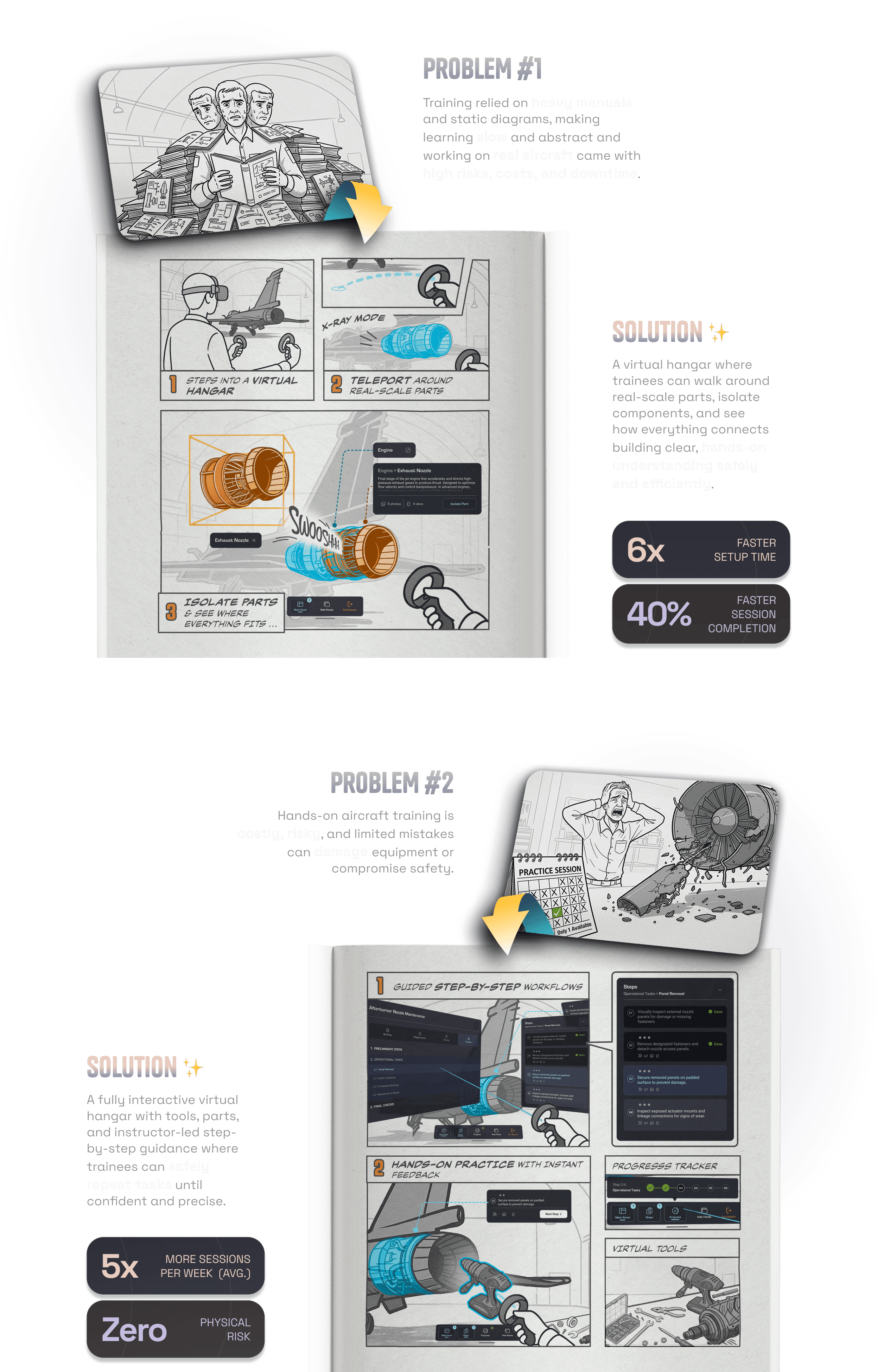
New air force technicians train by working directly on operational aircraft, Hands-on sessions face constant disruptions, mistakes can damage costly components, and safety risks remain high making it difficult to teach critical skills consistently and with confidence.
Solution at a glance
We replaced heavy manuals & risky practice with immersive exploration & safe, hands-on training.
Context
The Real-World Challenge
At a specialized air force training academy, new recruits undergo a 24-week modular program to learn hands-on aircraft maintenance.
But there was a catch ...

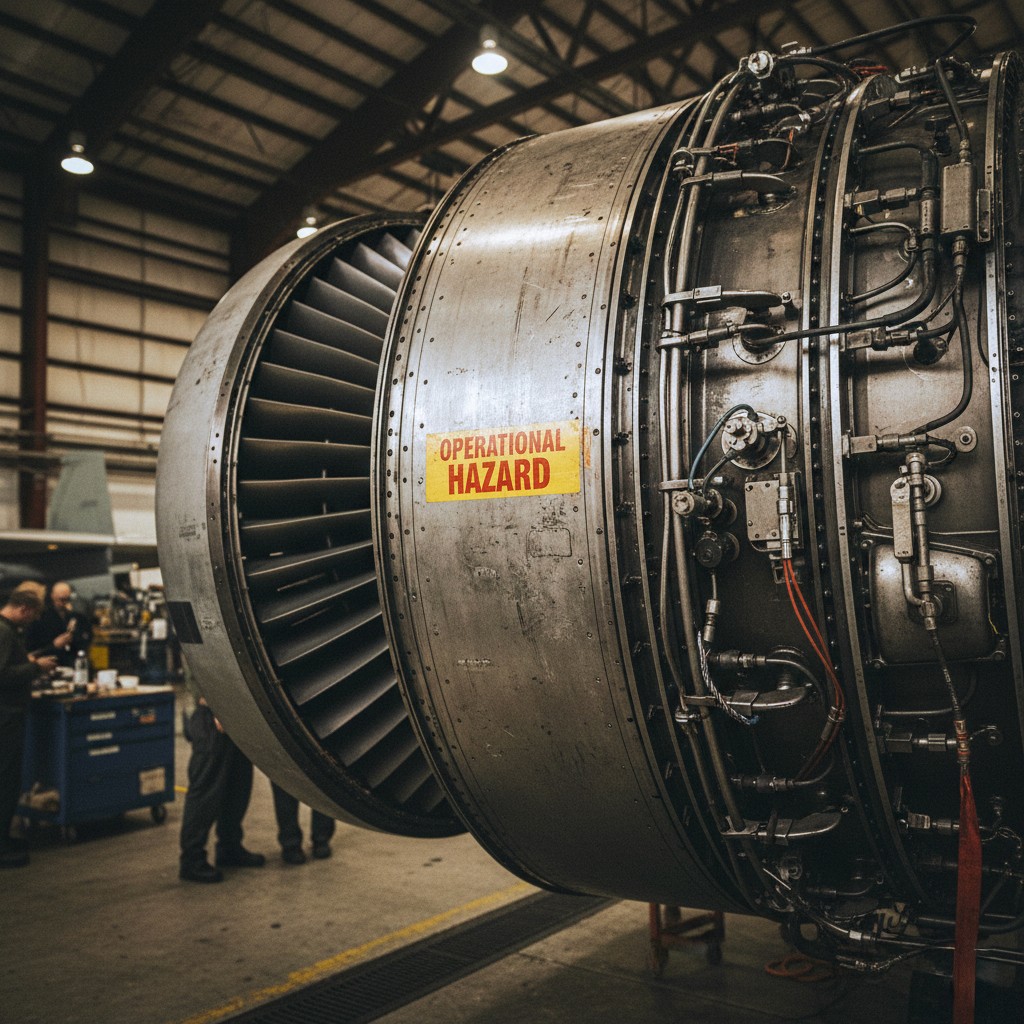
The trainees were working directly on real aircraft and components, operational units with tight schedules and limited availability.
This led to repeated issues:
Delays from restricted access
.Wear and tear on sensitive components
High risk of damage from inexperienced hands
And more importantly, not every mistake was reversible.
User Research
Understanding Where the System Breaks
Before building anything, I needed to understand how training actually happens, not on paper, but in the hangar, in the classroom, and under the pressure of real-world constraints.
I interviewed instructors, subject matter experts, to unpack the existing ecosystem.
Here’s what I found:
1. Structured Training, Limited Flexibility
The program followed a tightly bound 24-week modular format, broken down into weekly and daily sessions. Trades were split across Mechanical, Electrical, and Weapons systems , each with unique workflows and critical subsystems.
Classroom sessions were lecture-based, often packed with 30–40 students per batch. Most sessions relied on PowerPoint and verbal walkthroughs, leaving trainees to fill in spatial and procedural gaps on their own.
2. Different Roles, Different Needs
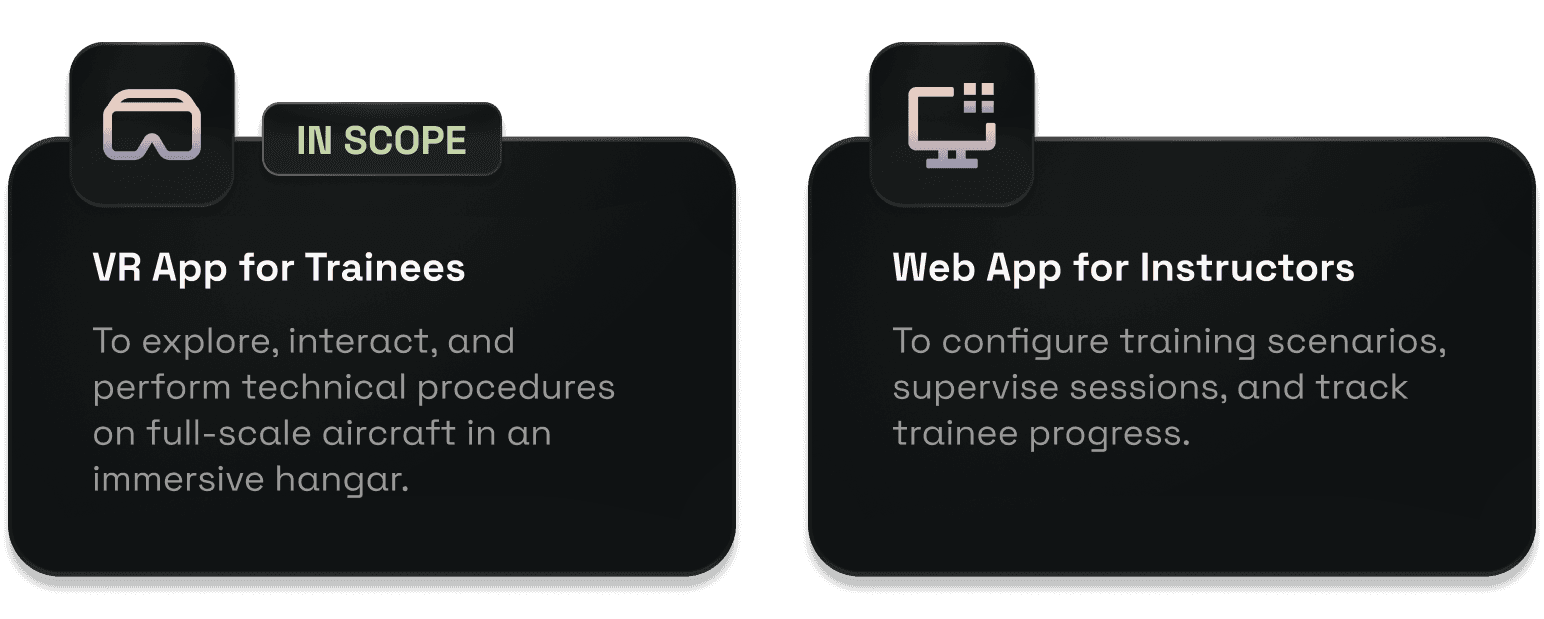
We were designing for two distinct user types: instructors and trainees, each with very different goals and levels of interaction.
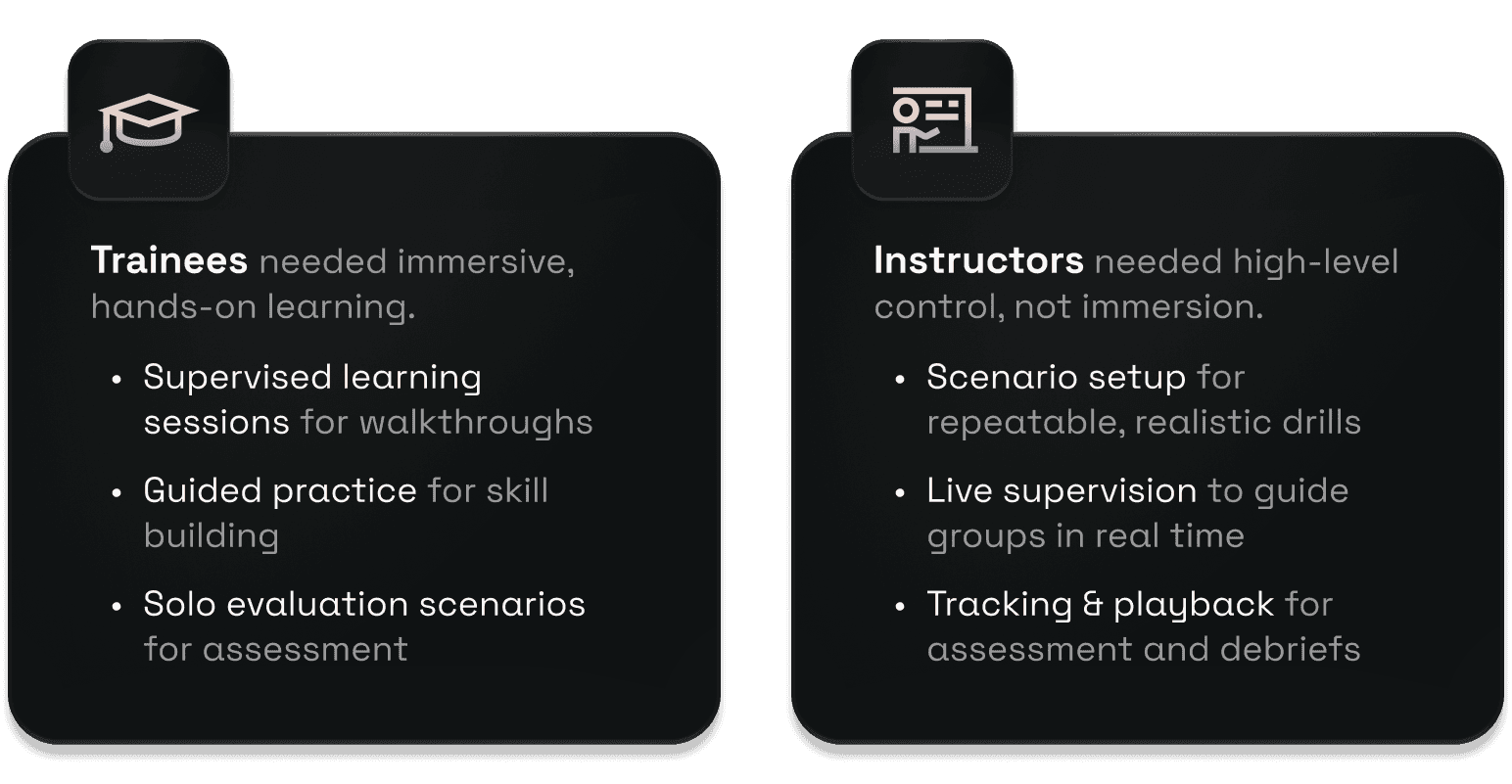
Designing one interface wouldn’t work. We had to build two connected platforms one for spatial interaction and the other for setup and session management.
How It started
From Scratch, in a Complex Space
When I joined, there were no flows, no prior UI, and no design system.
JUST ONE QUESTION:
“Can immersive tech make technical training more intuitive?”
This was a zero-to-one product in one of the most complex, regulated, and unfamiliar domains I’d worked in. I was the only designer, owning research, flows, interaction design, prototyping, and handoff.
What We Built
We built two synchronised platforms for two very different users: instructors and trainees, each designed for their unique comfort, workflows, and environment.
problem
The Core Issue
“How do you teach aircraft maintenance when the real equipment isn’t always available or safe to train on?
Simply showing 3D models or scanning manuals wasn’t enough. The procedures required deep spatial understanding, precise hand movement, and clear part recognition, not things a PDF or video could replicate.
The trainees were working directly on real aircraft and components, operational units with tight schedules and limited availability.
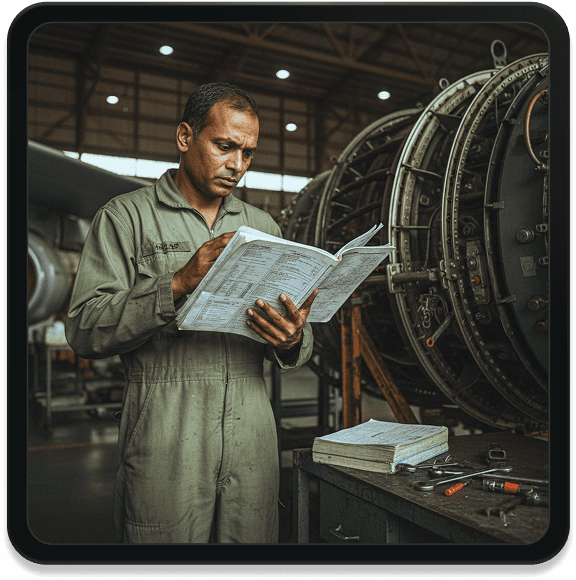
On top of that, the old process was mentally draining:
Trainees had to juggle multiple manuals while performing tasks
There was no intuitive view of the system's internal layout
The cognitive load was overwhelming, especially for first-timers
We needed a solution that was immersive, interactive, and intelligent not just digital.
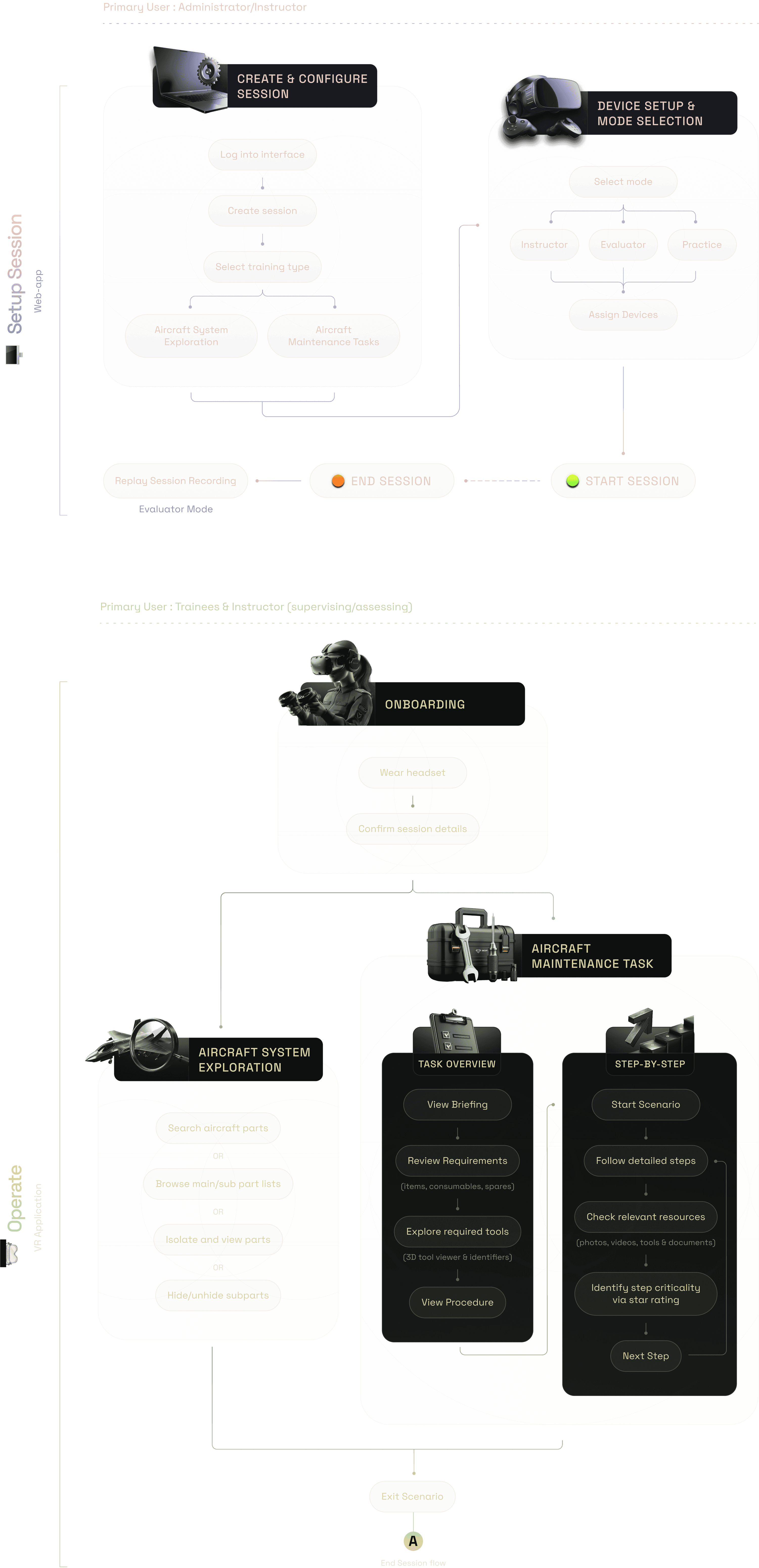
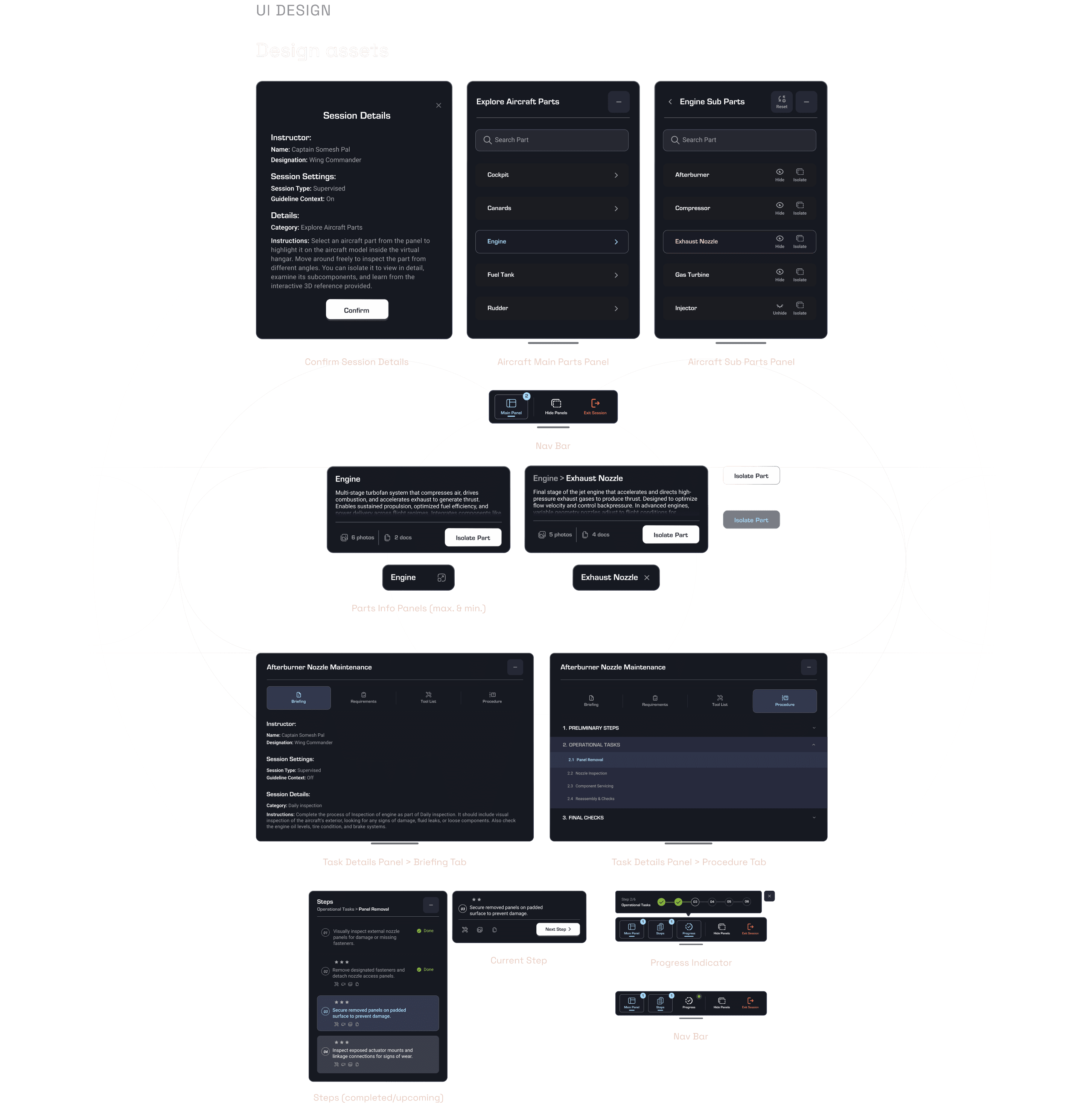
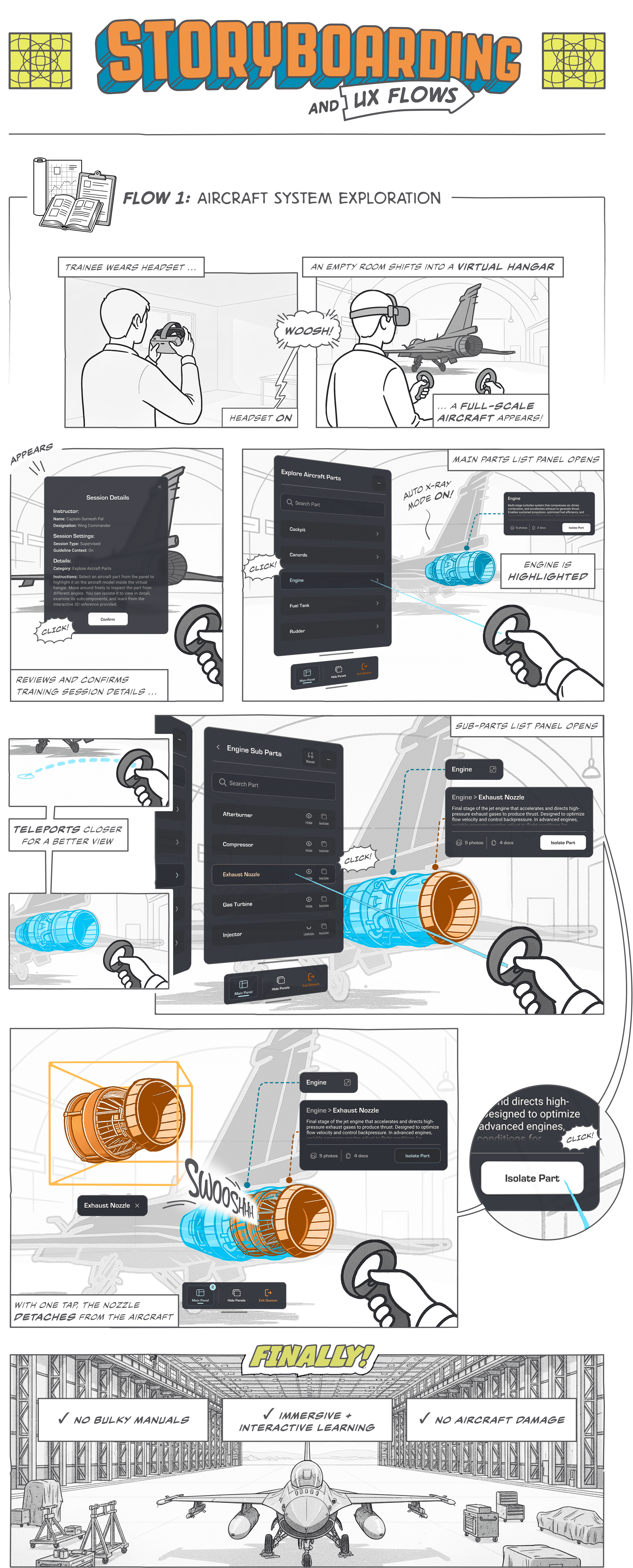
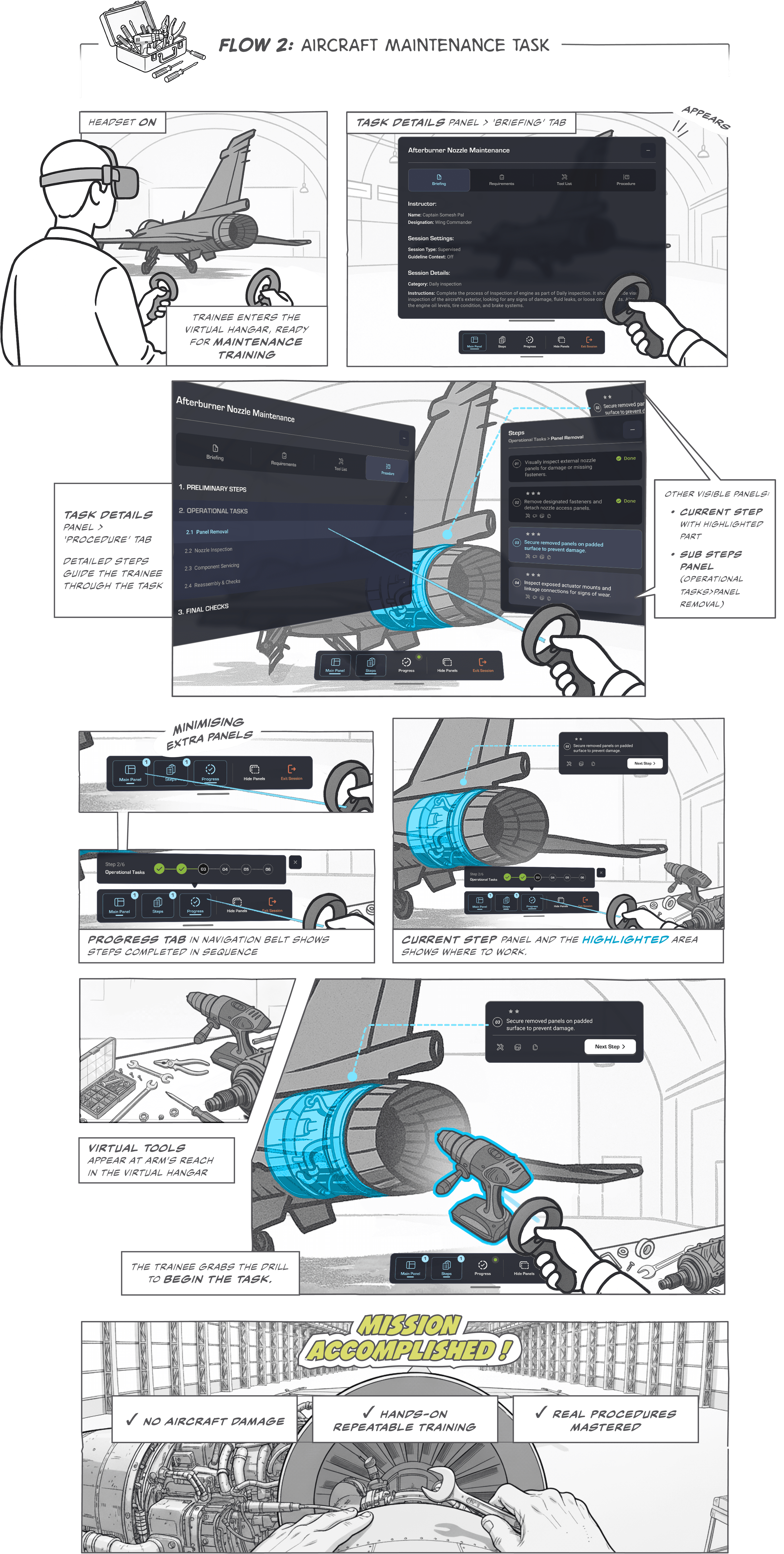
Simplified User Flows
2 Flows
- Web & VR APP


User Testing
Testing in the Field: Where Design Met Reality
Throughout the build, we ran hands-on demos with actual trainees and training officers. That surfaced problems that didn’t show up in static mocks or whiteboards.
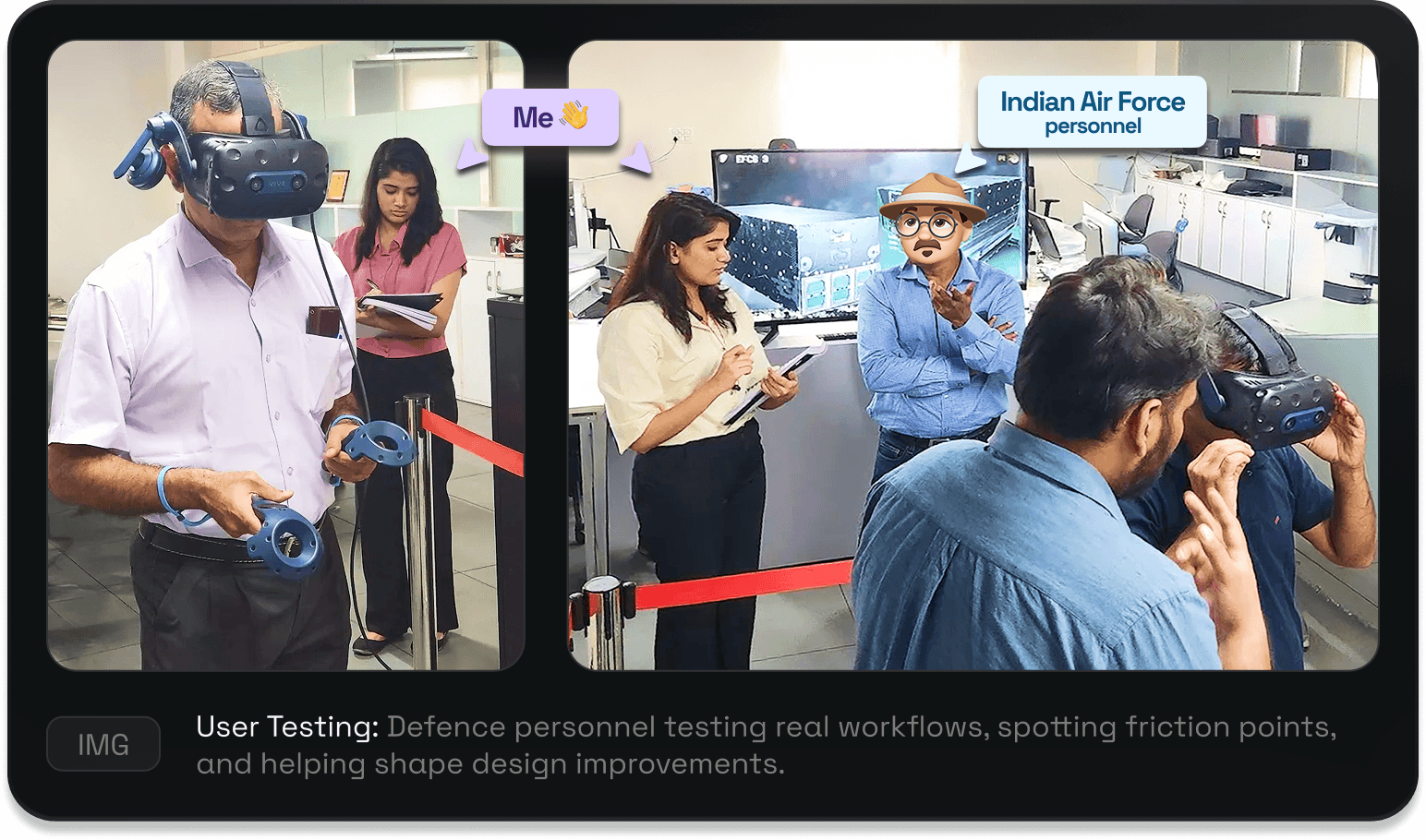
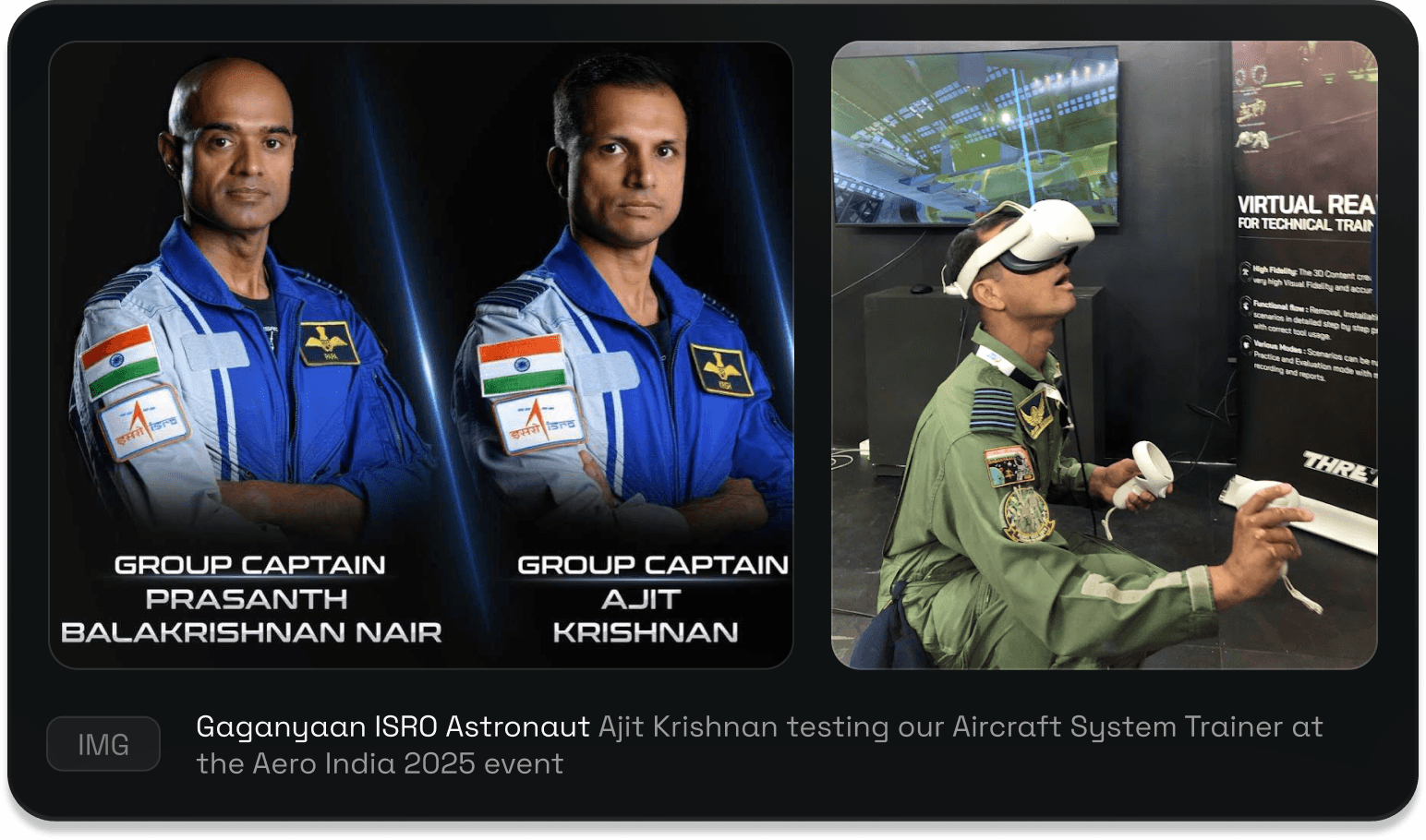
Aero India 2025: Tested by Gaganyaan Astronaut
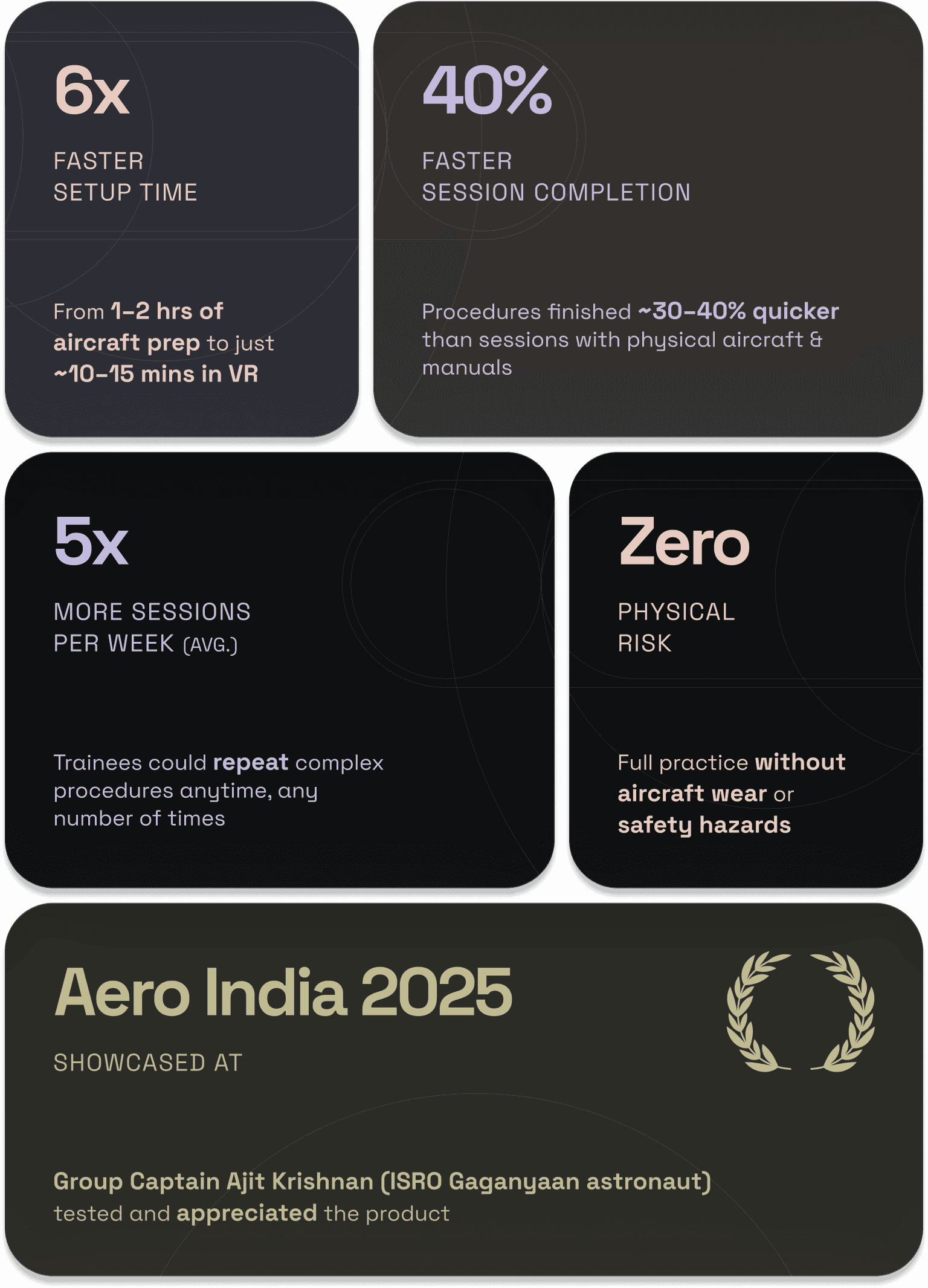
The project was showcased at Aero India 2025, where it was tried by Group Captain Ajit Krishnan, Indian Air Force test pilot and one of the astronauts selected for the Gaganyaan mission.
Testing Feedbacks & improvements
Here are some of the biggest friction points we discovered and how we solved them:

Problem
01


Solution
01
Ver. 1



Solution
01
Ver. 2
Unsafe, Inefficient VR Movement
Initial idea was that users would physically walk around the room to explore the aircraft in VR.
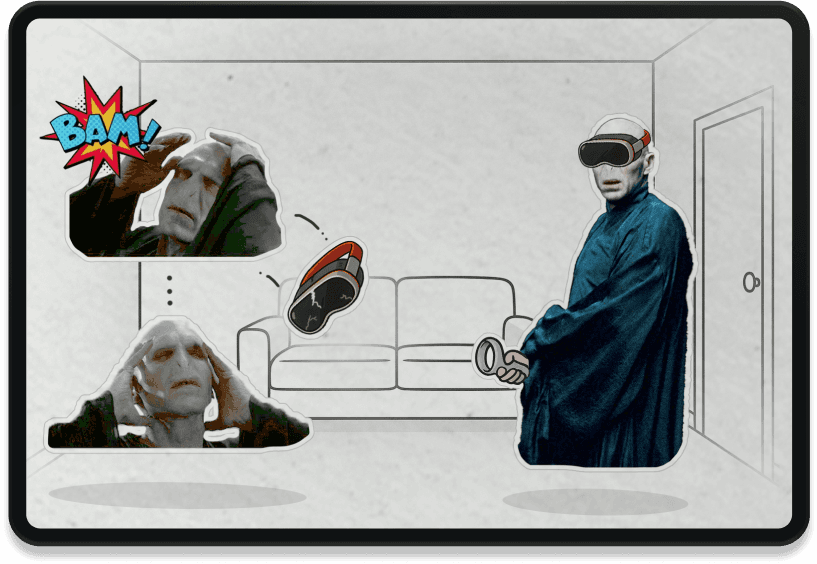
People stumbled into walls or furniture
Tracking was lost in room corners, causing glitches
Assumed users had enough safe space but most didn’t
VR Teleportation


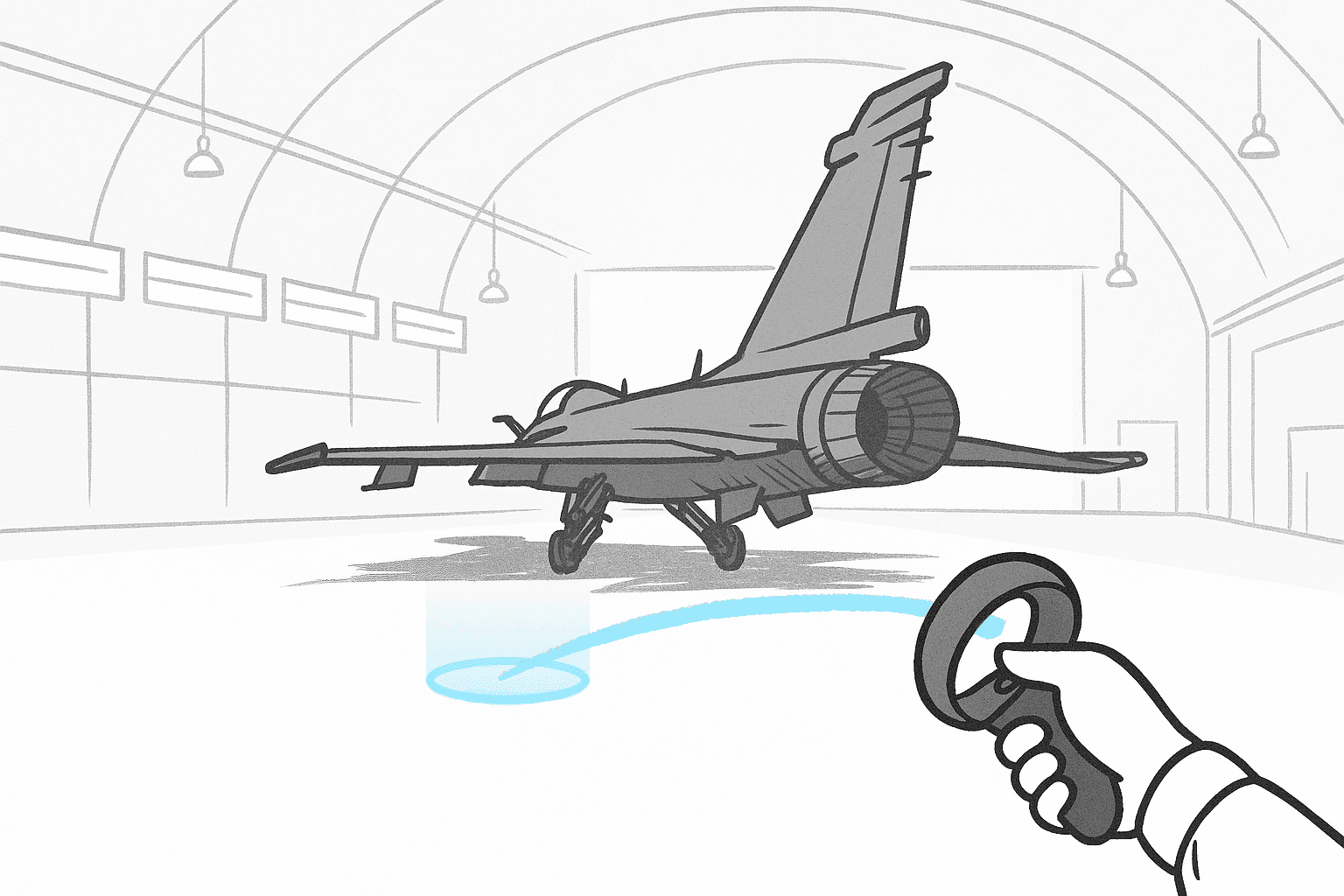
A “point and jump" mechanic that made the product usable seated, standing, or in small rooms.

But even teleporting created issues: people landed in awkward spots, making parts hard to inspect or panels hard to see.
Snap Points
Final Fix
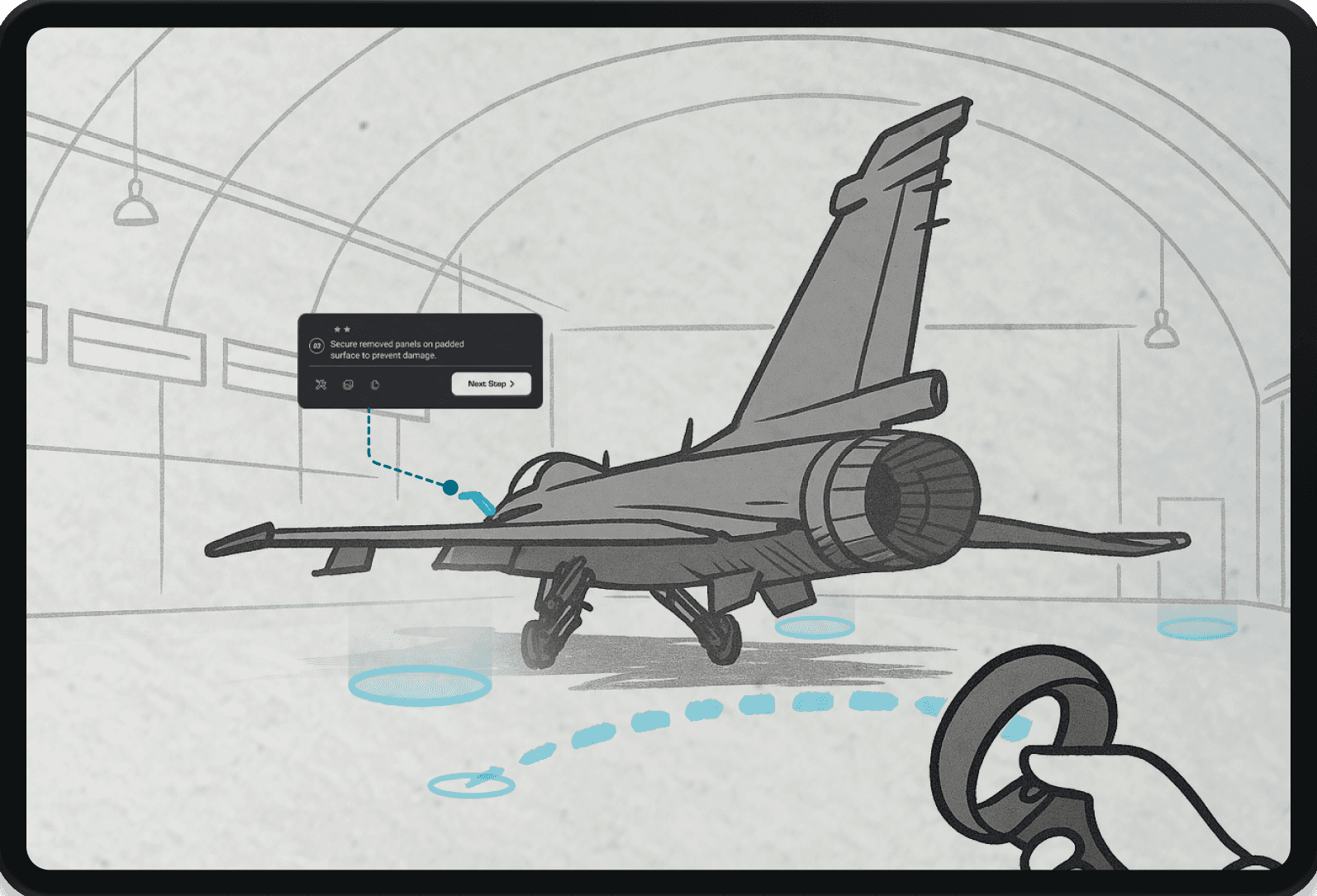
Automatically places users in the best spot for their goal (e.g., inspecting the engine)
Avoids occluded UI or weird camera angles
Feels natural no menus or options to fiddle with

Problem
02

Solution
02
Panels That Couldn’t Keep Up
When users moved or teleported, panels often lagged behind or faced the wrong direction, breaking immersion & slowing progress.

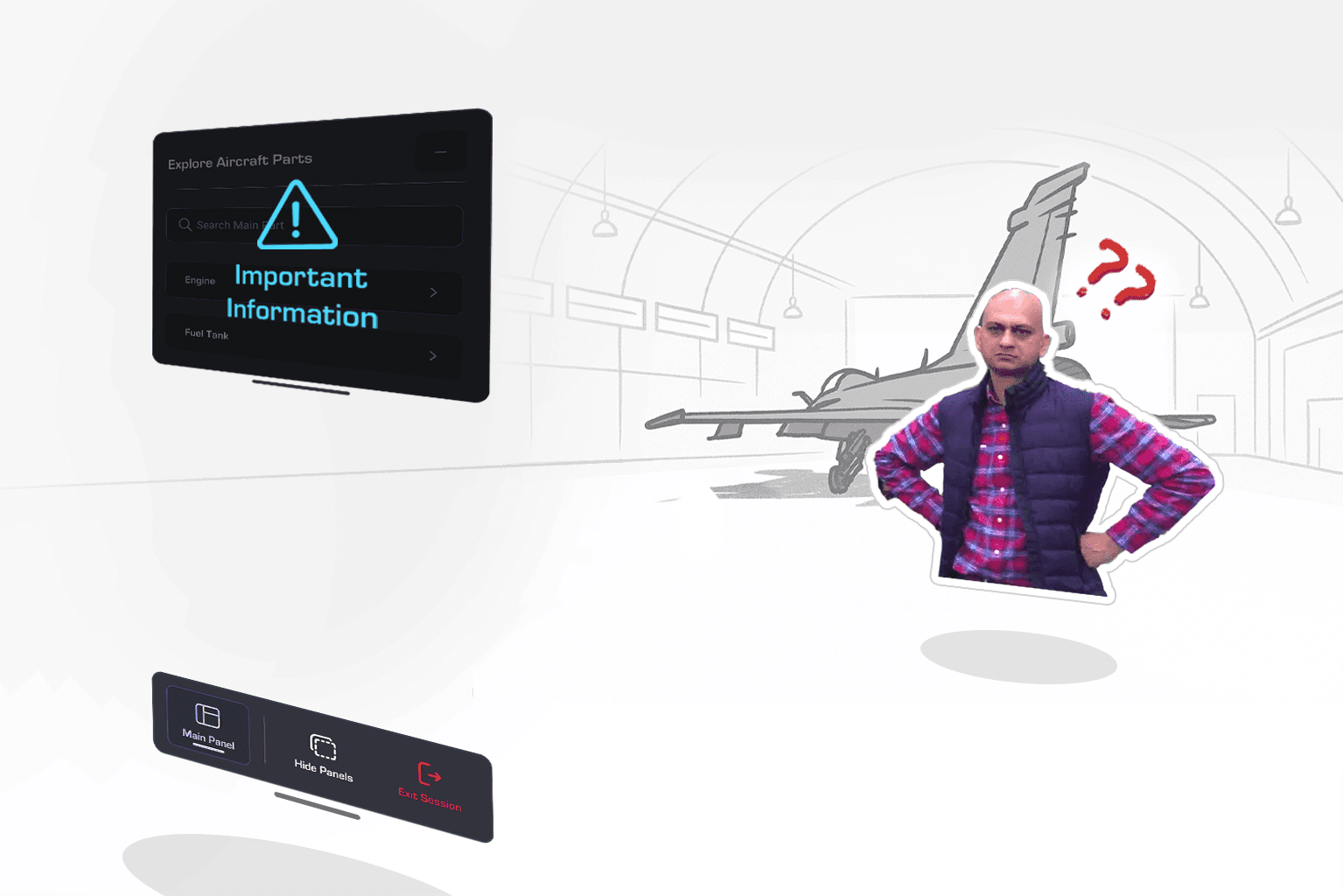
Panels stayed far behind after movement
Users had to manually realign them each time
Disrupted focus during task-heavy sessions
Follow Mode
Critical panels now automatically stayed within reach and view:
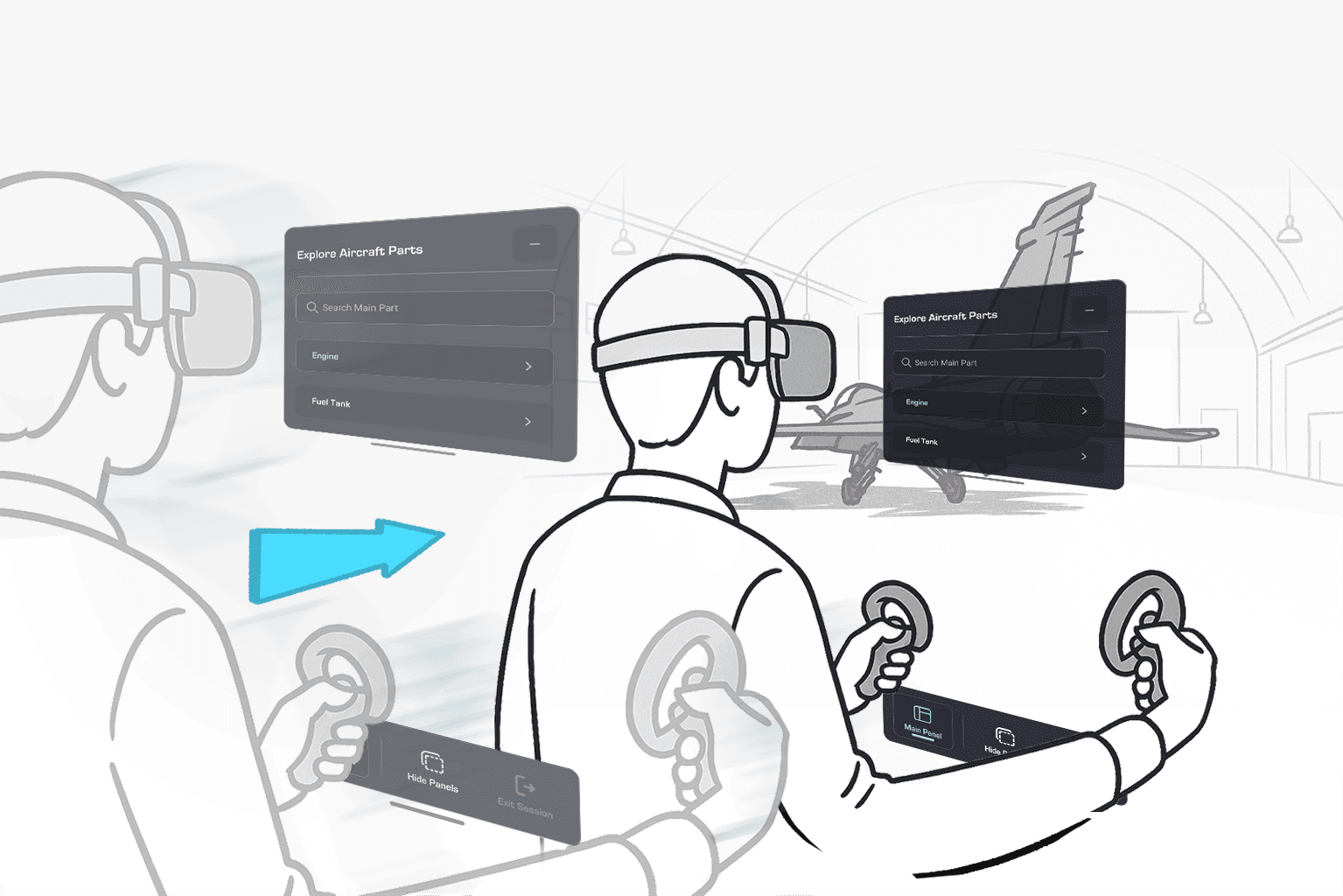
Followed the user at a fixed, comfortable distance
Remained front-facing after teleportation
Could be repositioned within a vision-defined arc
Problem
03
Solution
03
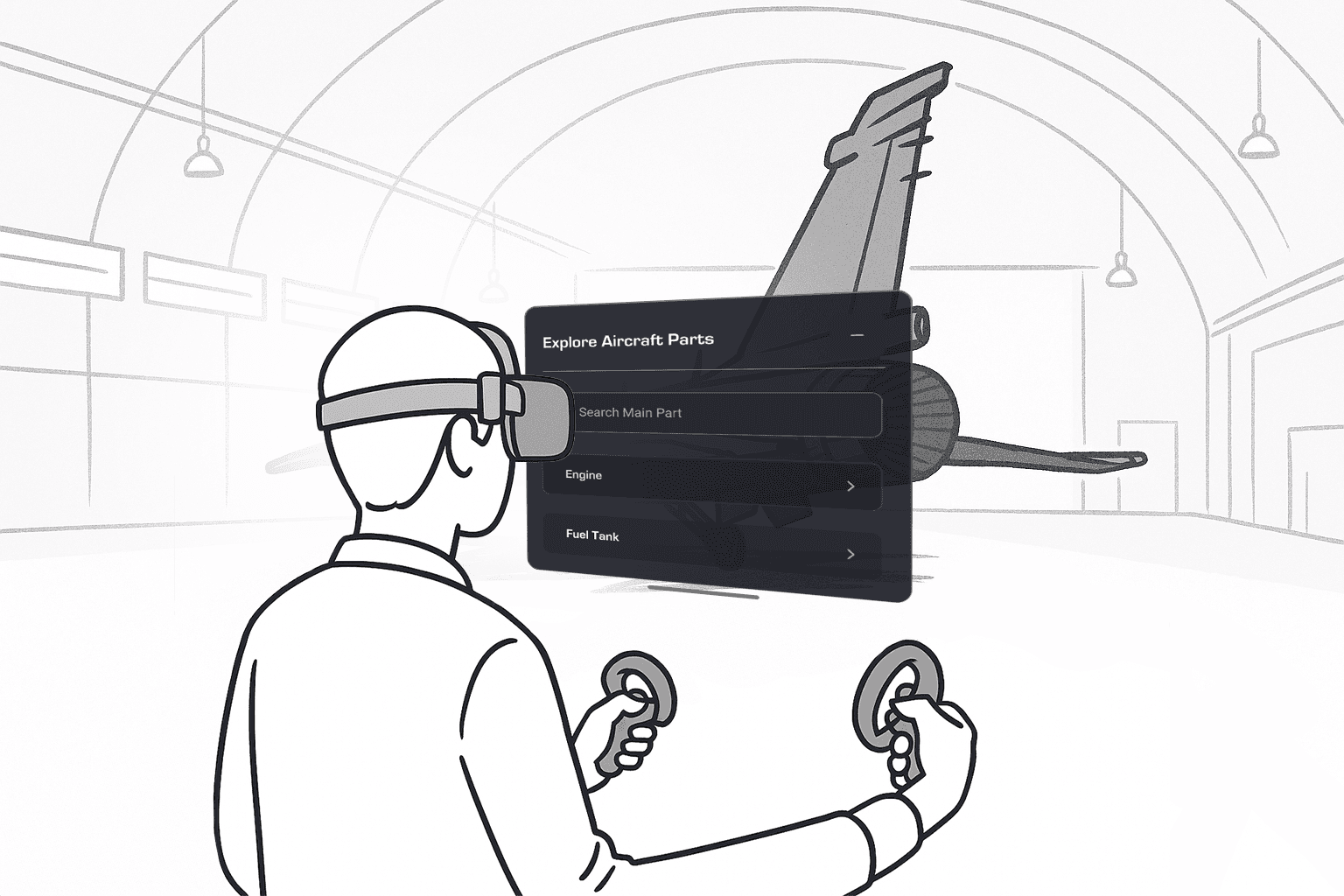
Misplaced & Hard-to-Reach Panels
After teleporting, users struggled to locate or interact with panels that didn’t stay in view.
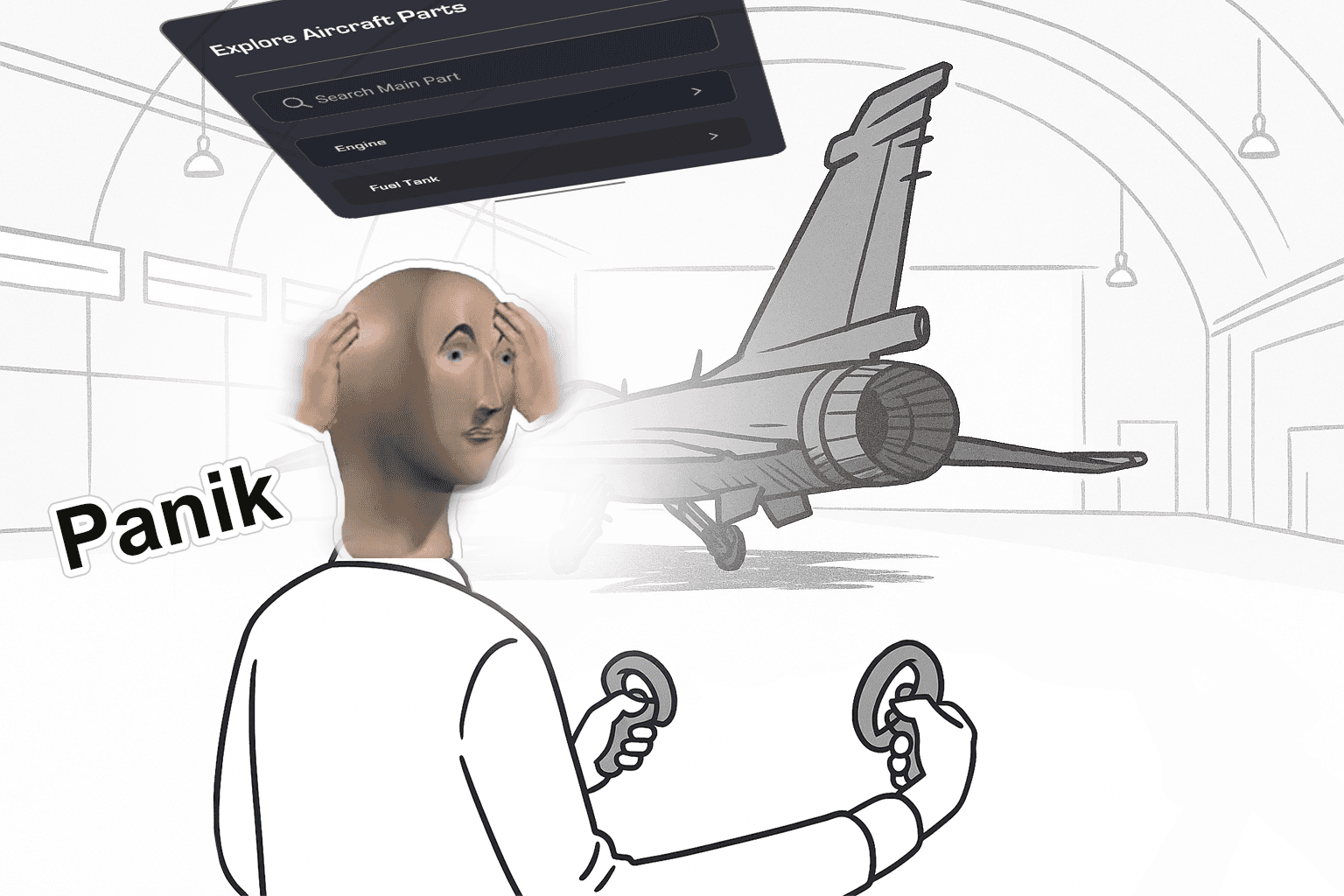
Panels appeared too far or at odd angles
Tracking was lost in room corners, causing glitches
Assumed users had enough safe space but most didn’t
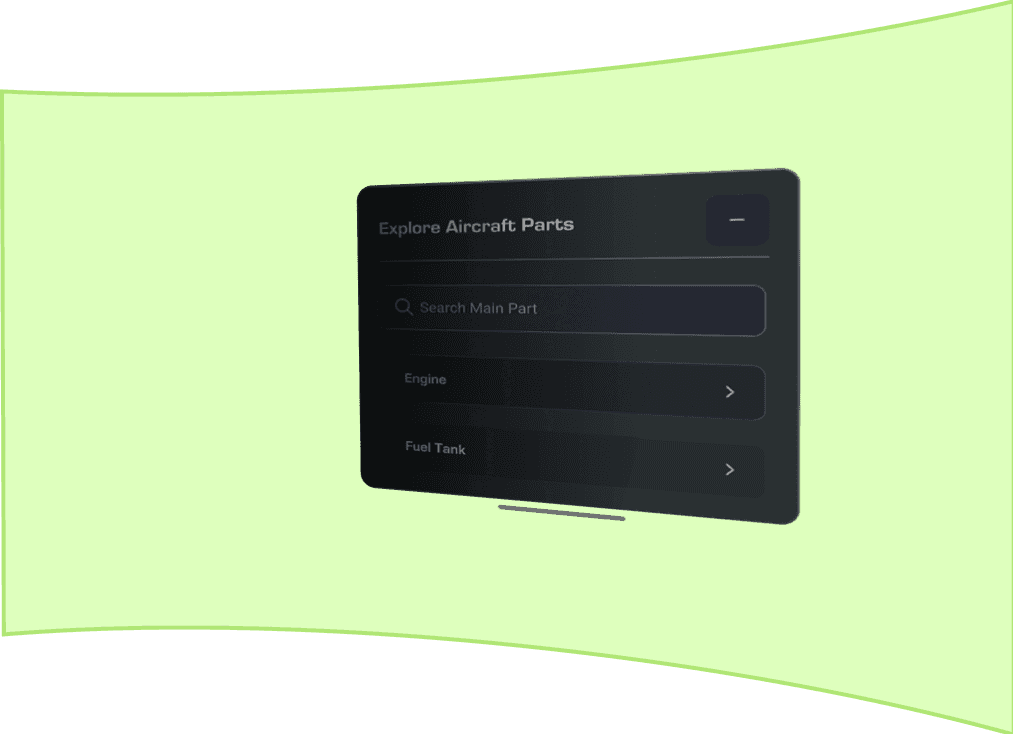
Vision-Guided Panel Zones
A boundary system ensured panels stayed accessible and comfortable to view:

3
3

1
2
2
2.5m, 6°
Horizon Line, 0°
77°
40°
20°
SNAP!
1
Comfort Zone
2
Eye Strain
3
Severe Strain
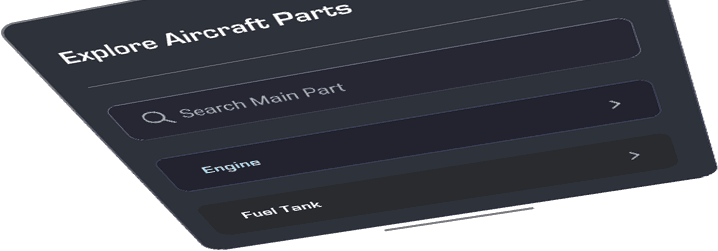
Panels could only be placed within a vision-defined arc
If placed outside, they automatically snapped back into view
Panels always stayed visible, reducing effort and keeping the workflow smooth.
Key Insights
Impact
And finally the results …
KeY Learning
Immersion must balance realism & usability
High-fidelity 3D assets are essential for spatial training, but simplifying interactions for quick learning was equally important to keep sessions efficient.
Big ideas deserve big screens.
Try viewing on desktop.
Big ideas deserve big screens.
Try viewing on desktop.